Unity 2022.3 LTS & Unity 6
From prompt to Assets/ folder.
The free Unity plugin connects your project to Prefably. Generated assets arrive in your own folders, with your naming rules, ready to use.
Project · Unity
▾ Assets
▾ Generated/Textures +2
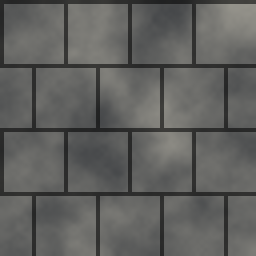 T_Stone.png
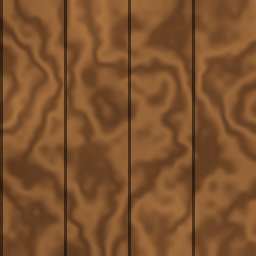 T_Wood.png
▾ Props +2
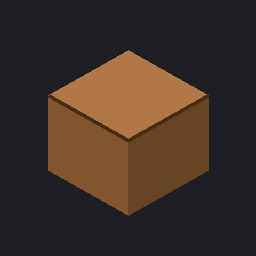 SM_Crate.fbx
 SM_Barrel.fbx
▸ UI/Icons +2
▸ Scripts
▸ Terrains
Import and place
Assets from the app or from a workflow are imported into the folder you choose, with the delivery profile's names and formats.
Prefabs and project view
Create prefabs from generated models, and let the app see your project's catalogue and structure to put things in the right place.
Editor commands
The agent can run commands in the Unity editor through the plugin, so “add this to the scene” is one message away.
Procedural terrain · free
Mountains, valleys and erosion generated inside Unity. Terrains cost no credits.
Set up in a minute.
- Install Prefably for Windows and sign in with your account.
- Add the plugin to your Unity project (2022.3 LTS or later, including Unity 6).
- Connect the project with the installation token shown in the app.
- Send an asset. It appears in your Assets folder.
| Plan | Plugin installations |
|---|---|
| Free | 1 |
| Pro | 3 |
| Ultra | 10 |
The plugin itself is free on every plan. Sending assets to Unity never costs credits.